



Weekly marketing wisdom you can read in 5 minutes, for free. Add remarkable ideas and insights to your inbox, once a week, by subscribing to our newsletter.

SEO
The Ultimate Technical SEO Audit Checklist: 7 Essential Resources for 2026
A well-executed technical SEO audit does more than fix broken links. It lays a stable foundation for every lead generation activity that follows. Without a technically sound website, your paid advertising campaigns work harder for fewer results, your content fails to rank, and your investment in a new website design never delivers its full potential return. A healthy site is indexed faster, understood better by search engines, and provides a superior user experience, which directly translates into higher quality leads and improved conversion rates.
This article provides a definitive, commercially focused technical SEO audit checklist, guiding you through the essential checks needed to transform your website from a passive brochure into a high performance lead generation asset. We move beyond vanity metrics to focus on the practical steps that align technical health with measurable business outcomes: lead volume, cost per acquisition, and ultimately, revenue growth. A strong technical base is non negotiable for sustainable growth and ensures your marketing budget works as efficiently as possible. It is also crucial for managing significant website changes, for which you might need specialist guidance on complex technical tasks like switching domains.
Table of contents:
In the following sections, we will walk through a prioritised checklist covering everything from crawlability and indexation to site speed and security. Each item includes clear how to steps, recommended tools, and remediation advice, organised by priority to help you secure quick wins and plan long term improvements. This is your blueprint for building a powerful, reliable engine for inbound leads.
1. Sitebulb: The Practitioner’s Audit Framework
For teams that need a repeatable and structured process for their technical SEO audits, Sitebulb offers an exceptional resource. The UK based company provides a free, detailed technical seo audit checklist in a Google Sheet template. This is not just a list of items; it is a practical worksheet designed for practitioners to conduct, track, and communicate audit findings with clarity and consistency.
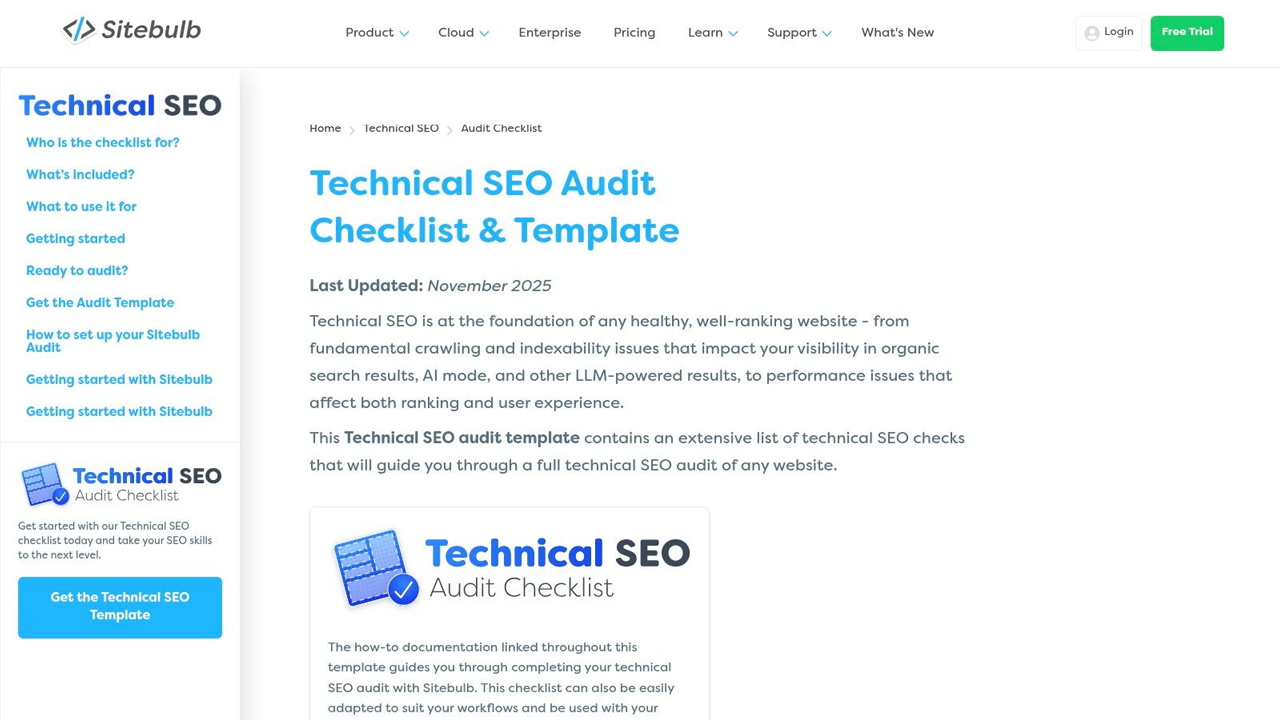
The real value of this framework lies in its direct integration with the Sitebulb crawler software. Each checklist item is mapped to specific ‘how to’ documentation, showing you exactly where to find the relevant data within the tool. This removes ambiguity and standardises the audit process, which is invaluable for agencies and in house teams aiming for consistent, high quality deliverables.
Key Features and Strengths
The downloadable template is organised into logical sections covering everything from initial crawl setup to deep dives into specific technical areas. It guides you through a logical workflow, ensuring no critical element is overlooked.
- Audit Sections Covered: The checklist includes checks for crawling, indexation, status codes, site architecture, internal linking, XML sitemaps, robots.txt, canonicalisation, and Core Web Vitals. For instance, when auditing server responses, you can track different client and server errors; a detailed guide on HTTP status codes can help you interpret and prioritise these findings.
- Actionable Documentation: The ‘how to’ guides are the standout feature. They bridge the gap between knowing what to check and knowing how to check it, providing step by step instructions within the Sitebulb interface.
- Standardised Reporting: By following the template, teams can produce consistent reports, making it easier to track progress over time and communicate complex technical issues to stakeholders who may not be SEO experts.
Our Perspective: Sitebulb’s framework turns the abstract concept of a ‘technical audit’ into a concrete, manageable project. The direct link between checklist item and tool functionality is a significant time saver and helps train junior team members effectively.
Access and Practical Considerations
The checklist and Google Sheet template are completely free to access and download. However, to get the full benefit, you need a subscription to the Sitebulb crawler software. The checklist is heavily geared towards its use, so while the principles are universal, the specific instructions are tool dependent.
- Pros:
- Extremely practical and written for hands on SEOs.
- Excellent for standardising agency processes and deliverables.
- The free template alone is a valuable organisational tool.
- Cons:
- Heavily tied to the Sitebulb software, limiting its use as a standalone guide for other tools.
- Pricing for their cloud plans often requires a sales demo, which can be a barrier for teams needing immediate access.
You can access the resource directly at: https://sitebulb.com/technical-seo/audit-checklist/
2. Google Search Console
For any technical SEO audit, Google Search Console (GSC) is non-negotiable. Unlike third-party tools that simulate crawls, GSC provides direct insight into how Google actually views, crawls, and indexes your website. This makes it one of the most commercially valuable resources in any technical SEO audit checklist.
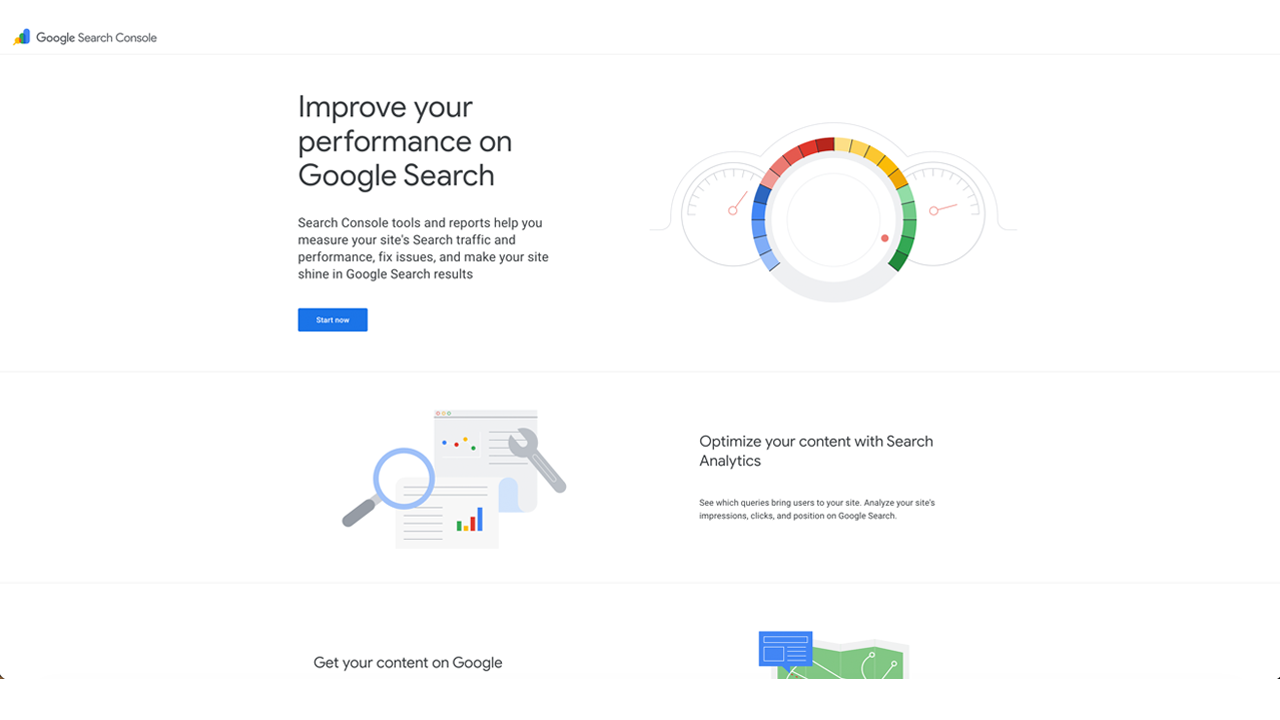
Rather than acting as a standalone checklist, GSC functions as your validation layer. It confirms whether technical issues are genuinely impacting visibility and performance in search results. This is critical when prioritising fixes based on real business impact rather than theoretical best practice.
Key Features and Strengths
GSC provides first-party data directly from Google’s index, allowing you to move beyond assumptions and focus on real indexing and performance issues.
- Audit Sections Covered: GSC enables checks for index coverage, crawl errors, mobile usability, Core Web Vitals, manual actions, and structured data enhancements. For example, the Indexing > Pages report highlights excluded URLs, soft 404s, and crawl anomalies that directly affect visibility.
- Performance Data Integration: The Performance report connects technical SEO with commercial outcomes. You can analyse impressions, clicks, CTR, and average position, helping you identify whether technical fixes translate into increased traffic and leads.
- Core Web Vitals Reporting: GSC provides real user data (CrUX) for page experience metrics, allowing you to prioritise speed and UX improvements based on actual user impact rather than lab simulations.
Our Perspective: Google Search Console is the ground truth. It ensures your audit is not just technically accurate but commercially relevant. If a page is not indexed or is underperforming, GSC tells you why.
Access and Practical Considerations
GSC is completely free but requires verification of your website. While it does not replace a crawler, it is essential for validating findings and tracking improvements over time.
- Pros:
- Direct data from Google, not estimates
- Critical for prioritising fixes based on real impact
- Free and essential for all websites
- Cons:
- Limited crawling capability compared to dedicated tools
- Requires combination with other tools for full audits
You can access the tool directly at: https://search.google.com/search-console
3. Semrush: The Integrated Audit & Action Guide
For businesses that use an all in one marketing platform, Semrush offers a powerful and direct approach to technical SEO. They provide two key resources: a comprehensive technical seo audit checklist article and a structured 10 step guide. Their strength is how they tie each check directly to a specific report within their software, primarily the Site Audit tool. This creates a clear path from identifying an issue to finding the exact data needed to fix it.
This method is perfect for teams wanting prescriptive guidance. Instead of just listing what to check, Semrush shows you where to click. This prescriptive workflow makes their resources valuable for in house marketers and agencies that have standardised on the Semrush platform, reducing the learning curve and speeding up the audit process.
Key Features and Strengths
Semrush’s approach is built around efficiency. The blog post and supporting materials act as an operational manual for conducting an audit using their Site Audit tool, ensuring users can get maximum value from their subscription.
- Audit Sections Covered: The checklist is thorough, covering crawlability, indexability, hreflang implementation, duplicate content, redirect chains, canonicalisation, structured data, and Core Web Vitals. For example, when checking for duplicate content, the guide points you directly to the relevant report in the Site Audit tool, complete with screenshots.
- Direct Tool Integration: This is Semrush’s main advantage. Each item on their checklist is mapped to a specific report, removing guesswork. This integration makes it one of the best SEO tools for a small business looking to manage SEO without a large, specialised team.
- Supporting Content: The checklist is supported by downloadable resources and extensive tutorial content, helping teams not only find problems but also understand the underlying principles and remediation steps.
Our Perspective: Semrush excels at making technical audits accessible. By connecting every checklist item to a specific report, they remove ambiguity and empower users to take immediate, informed action within a single platform.
Access and Practical Considerations
The checklist blog post and associated guides are free to read. However, their true value is realised when used with an active Semrush subscription, as the step by step instructions are entirely based on its interface and reports.
- Pros:
- Clear mapping from checklist items to tool reports shortens execution time.
- Widely adopted, making it a familiar workflow for many marketing professionals.
- Excellent for training teams on a standardised audit process within the Semrush ecosystem.
- Cons:
- The content and examples are heavily biased towards Semrush, offering little utility for those using other crawlers.
- Advanced checks or audits on very large websites may hit crawl credit limits on lower tier plans.
You can access the resource directly at: https://www.semrush.com/blog/technical-seo-checklist/
4. Ahrefs: The Action-Oriented Audit Template
Ahrefs provides a practical approach to website audits, focusing on high impact fixes that drive commercial results. Their resource combines a detailed blog post with a free, downloadable Google Sheet template, creating a system for triaging, prioritising, and assigning fixes. This makes it an excellent starting point for businesses looking to bring structure to their technical SEO efforts without getting lost in minor details.
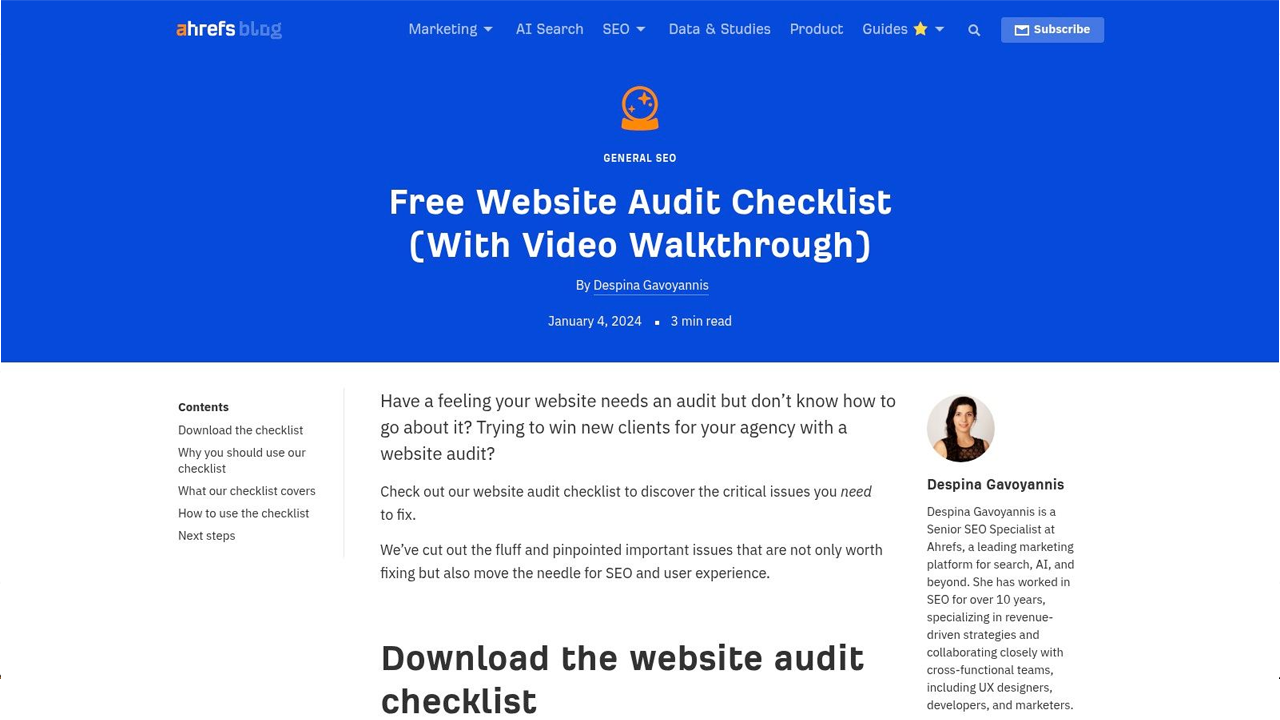
The strength of this resource is its focus on action. While it forms a comprehensive technical seo audit checklist, it is designed to be used alongside the Ahrefs Site Audit tool (available for free with Ahrefs Webmaster Tools). This connection allows you to automatically identify issues and then use the spreadsheet to manage the remediation process, turning a long list of problems into a clear project plan.
Key Features and Strengths
The checklist is designed to be client friendly and keep the audit process grounded in actionable outcomes. It is less about theoretical perfection and more about making tangible improvements that impact performance.
- Audit Sections Covered: The template covers over 20 critical checks, organised into key areas such as crawlability and indexation, on page SEO, redirect hygiene, Core Web Vitals, and internal linking structure. For example, it guides you to check for broken internal links and images, issues that directly affect user experience and crawl efficiency.
- Practical Triage System: The free Google Sheet is the core of this resource. It allows you to document issues, assign a priority level (low, medium, high), note the status (e.g., to do, in progress, done), and assign responsibility. This is vital for managing workloads in small teams or communicating needs to a developer.
- Integration with Free Tools: The checklist works seamlessly with Ahrefs Webmaster Tools, which provides free access to their Site Audit crawler for one verified website. This allows businesses to run a professional grade crawl and populate their checklist with real data without an initial financial commitment.
Our Perspective: Ahrefs has created a system that bridges the gap between finding a technical problem and getting it fixed. The spreadsheet’s structure for prioritisation and assignment is invaluable for turning an audit from a document into a project with clear accountability.
Access and Practical Considerations
The blog post and Google Sheet template are completely free to access and use. To gain the most from the workflow, you should sign up for the free Ahrefs Webmaster Tools account to run a crawl on your website. While this gives you deep insights, some of the more advanced reports and historical data tracking are reserved for paid Ahrefs subscribers.
- Pros:
- The template is very client friendly and keeps audits focused on actionable fixes.
- Strong integration with the free Ahrefs Webmaster Tools provides real data without cost.
- Backed by Ahrefs’ strong community reputation and continuous product investment.
- Cons:
- The checklist is broader than a pure technical SEO audit, including some on page and content items.
- Accessing the full suite of diagnostic tools and historical data requires a paid Ahrefs subscription.
You can access the resource directly at: https://ahrefs.com/blog/website-audit-checklist/
5. Screaming Frog: The Auditor’s Live Issue Catalogue
For many SEO professionals, Screaming Frog’s SEO Spider is the de facto UK standard for crawling and auditing websites. Rather than providing a static spreadsheet, it functions as a living technical seo audit checklist directly within the software. Its ‘Issues’ tab automatically catalogues over 300 potential problems found during a crawl, presenting a real time, prioritised list of items that require attention.
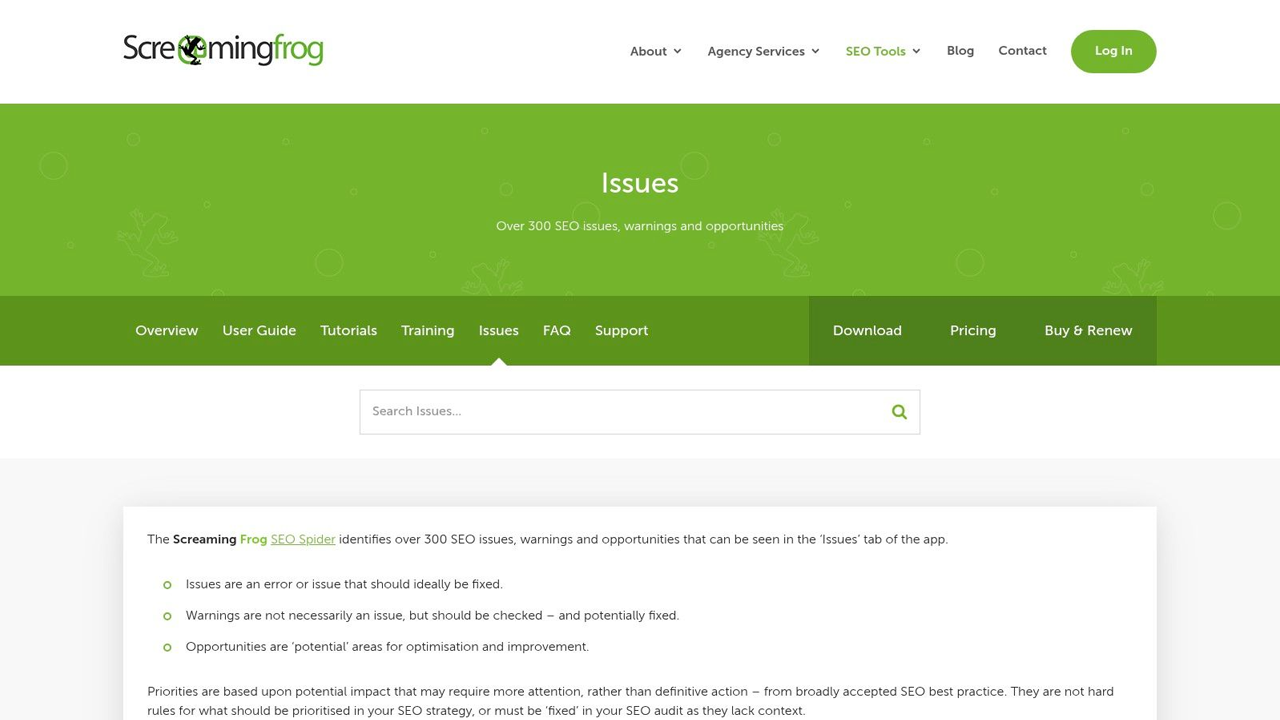
This approach integrates the discovery and diagnosis phases of an audit. As the crawler analyses your site, issues are populated in a dedicated panel, categorised by type and severity. This allows auditors to move from a high level overview of site health to granular, URL specific data without ever leaving the tool, making the process incredibly efficient for SMEs and enterprise level sites alike.
Key Features and Strengths
The true power of Screaming Frog lies in its comprehensive data collection and powerful integrations. It moves beyond simple checks to provide a deep, interconnected view of a website’s technical foundation, making the process of performing a technical SEO audit more a science than an art.
- Audit Sections Covered: The tool automatically flags problems across a huge range of categories, including response codes (4xx, 5xx), indexability issues (noindex tags, canonical problems), security vulnerabilities (insecure content), structured data errors, and on page elements like duplicate titles or missing H1 tags. It also features near duplicate content detection and can generate visual site architecture graphs.
- Powerful Integrations: Screaming Frog connects directly with APIs for Google Analytics, Google Search Console, and PageSpeed Insights. This allows you to overlay crawl data with traffic, engagement, and performance metrics, helping you prioritise fixes based on real world impact.
- Flexible Data Export: Every single report and issue list can be exported. This is essential for creating custom reports, sharing data with development teams, or building a prioritised roadmap for remediation.
Our Perspective: Screaming Frog turns your website’s code into a structured, actionable database. The ‘Issues’ report is a dynamic checklist that grows with your crawl, allowing you to identify and prioritise fixes with a level of data driven confidence that static lists simply cannot match.
Access and Practical Considerations
Screaming Frog operates on a freemium model. The free version allows you to crawl up to 500 URLs, which is suitable for very small sites or for testing its functionality. To unlock its full potential, including integrations and advanced configuration, a paid licence is required. The transparent pricing makes it a great value proposition.
- Pros:
- Widely considered the industry standard desktop crawler in the UK.
- Excellent value, with transparent pricing and a clear feature set.
- Scales well from small business websites to large, complex domains.
- Cons:
- Being desktop based, it can be memory intensive for very large sites.
- The sheer volume of data and configuration options presents a learning curve for beginners.
You can access the tool and review the issues it checks for at: https://www.screamingfrog.co.uk/seo-spider/issues/
6. HubSpot: A Business-Focused Audit Process
HubSpot provides a business friendly guide designed for marketing managers and cross functional teams who need a structured, accessible process. Their approach, co produced with Ryte, translates complex technical checks into a manageable workflow, making it ideal for aligning audit tasks with broader commercial objectives and stakeholder reporting. This is less about deep dive diagnostics and more about creating a shared understanding of SEO health across a business.
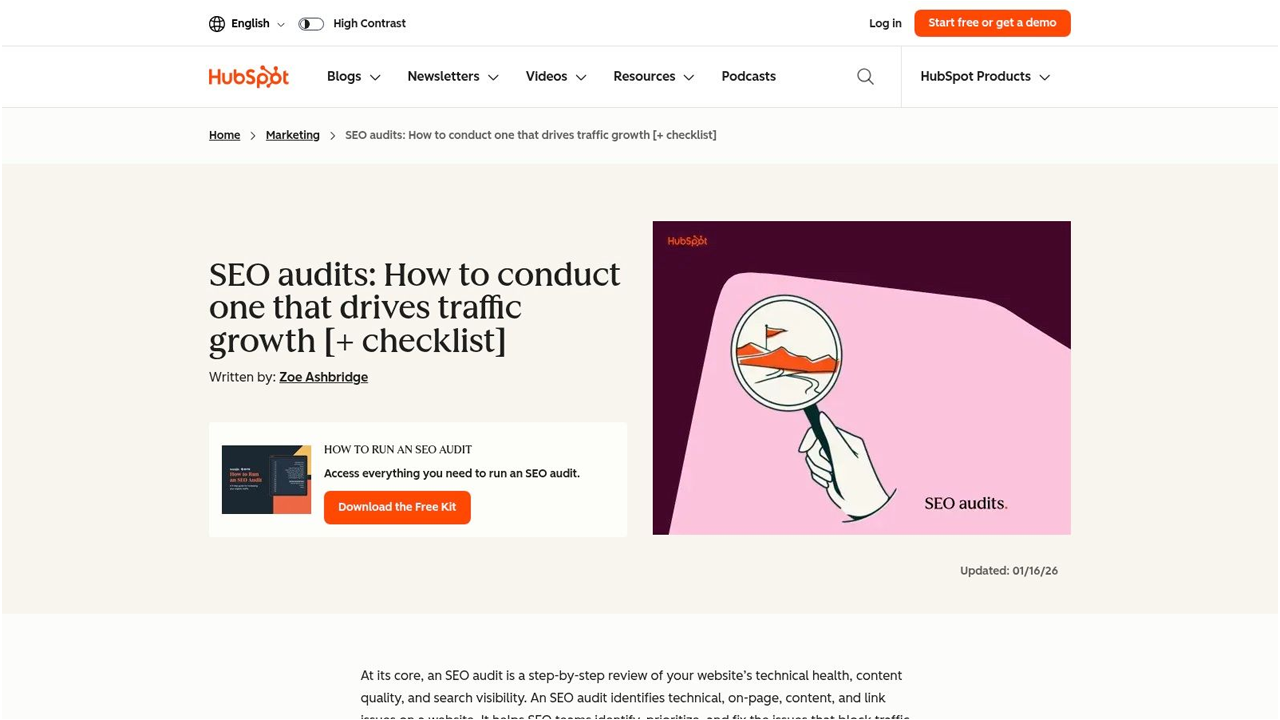
The strength of HubSpot’s resource is its emphasis on process and communication. It guides users through a step by step technical seo audit checklist embedded directly within the article, supplemented by a downloadable audit kit. This structure helps teams without deep technical expertise to conduct a meaningful review and present findings in a way that resonates with non technical stakeholders.
Key Features and Strengths
HubSpot’s guide is organised to be followed sequentially, covering the foundational pillars of technical SEO from a marketing perspective. It excels at explaining the ‘why’ behind each check, connecting technical elements to business outcomes like traffic and lead generation.
- Audit Sections Covered: The checklist addresses key areas including crawlability, indexability, on page elements, site speed, and backlink health. For example, its section on Core Web Vitals clearly explains what the metrics mean and provides practical steps for initial checks, making a complex topic approachable.
- Downloadable Audit Kit: The guide offers a gated (email required) audit kit which includes templates and additional resources. This kit is built to help teams document their findings, assign priorities, and track remediation efforts over time, turning the audit into an ongoing project.
- Stakeholder Friendly Language: The content is carefully written to avoid jargon. It frames technical issues in terms of user experience and business impact, which is essential for securing buy in and budget for fixes from leadership.
Our Perspective: HubSpot’s guide is perfect for marketers who need to own the SEO process but are not technical specialists. It provides the structure to run a competent audit and, crucially, to communicate the findings and required actions in a clear, commercially focused manner.
Access and Practical Considerations
The primary guide and embedded checklist are free to access on the HubSpot blog. The more detailed audit kit, including templates and supplementary materials, requires you to provide an email address. The information is high level and intended as a starting point.
- Pros:
- Extremely well structured for non specialists and business stakeholders.
- Excellent for aligning audit tasks with business goals and reporting.
- Recently updated content ensures relevance.
- Cons:
- The technical depth is lighter than documentation from dedicated SEO tool providers.
- Key downloadable assets are gated behind an email capture form.
You can access the resource directly at: https://blog.hubspot.com/marketing/seo-audit
7. Lumar (formerly Deepcrawl): Enterprise-Scale Auditing
For large, complex websites where scalability is non negotiable, Lumar (formerly Deepcrawl) provides an enterprise grade platform. Its strength lies in handling millions of URLs, making it a go to for major UK and international brands. Rather than a simple list, Lumar’s extensive suite of reports functions as a powerful, configurable technical seo audit checklist designed for deep, continuous analysis.
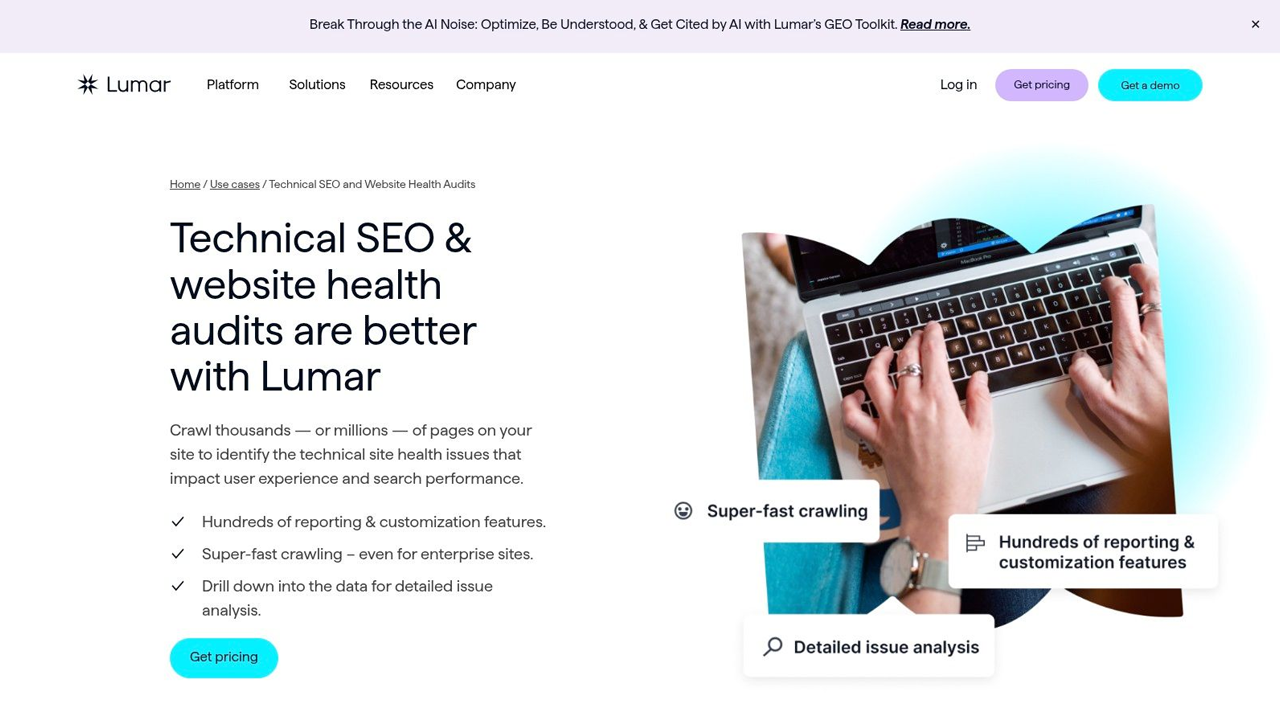
The platform is engineered to monitor website health over time, not just perform one off audits. It excels at detecting regressions and preventing technical SEO issues from reaching production. Its Automator feature, for instance, integrates into development workflows to run checks on staging environments, safeguarding live sites against costly mistakes.
Key Features and Strengths
Lumar’s approach is built around automation and providing actionable data for large, cross functional teams. It helps translate raw crawl data into prioritised tasks that can be assigned and tracked within the platform.
- Audit Sections Covered: The platform comes with over 250 pre built reports covering every conceivable aspect of technical SEO. These include in depth analysis of crawlability, indexation, internal linking, pagination, hreflang implementation, and site performance. The change detection reports are particularly useful for spotting significant shifts between crawls.
- Automated QA: The Automator feature provides a safety net for developers and SEO teams. It runs more than 160 tests on pre production sites to catch problems like broken links, canonical errors, or unintended noindex tags before they are deployed. This proactive approach is a significant advantage for businesses with frequent release cycles.
- Built for Collaboration: Lumar is designed for large organisations. It allows users to prioritise issues based on impact, assign tasks to different team members, and track resolution progress directly within the interface. This helps bridge the gap between the SEO team identifying a problem and the development team fixing it.
Our Perspective: Lumar is the solution for preventing technical SEO debt on enterprise websites. Its ability to integrate QA into the development pipeline moves SEO from a reactive function to a proactive, strategic discipline that protects organic traffic and revenue.
Access and Practical Considerations
Lumar is a premium, enterprise level solution, and its pricing reflects that. Access is typically provided through a sales assisted process, where a plan is configured based on the scale of the website and the features required. It is not designed for small businesses or those with simple websites.
- Pros:
- Exceptional at crawling very large and complex websites at scale.
- Automated pre production testing helps prevent costly SEO errors.
- Excellent for prioritising and managing issue resolution across large teams.
- Cons:
- Pricing is at an enterprise level and requires a sales consultation.
- Can be overkill and too complex for small to medium sized businesses.
You can access the resource directly at: https://www.lumar.io/use-case/website-audits/
Technical SEO Audit: 7-Tool Comparison
| Item | Implementation complexity 🔄 | Resource requirements ⚡ | Expected outcomes 📊 | Ideal use cases 💡 | Key advantages ⭐ |
|---|---|---|---|---|---|
| Lead Genera | Moderate, agency-led onboarding and bespoke setup | Low–Medium, entry-level pricing but requires client collaboration | Rapid lead delivery and conversion-focused pipeline | SMBs, B2B service firms, startups needing quick leads | Hands-on partnership; full-service, data-driven CRO |
| Sitebulb | Low, step-by-step checklist mapped to tool crawls | Minimal, free templates; best with Sitebulb tool | Structured, repeatable technical audits and clear reporting | Technical SEO teams and agencies running audits | Free, practitioner-written, tool-guided checklist |
| Semrush | Low–Medium, prescriptive, tool-centred process | Medium, requires Semrush access for full mapping | Efficient, report-backed audits with direct tool outputs | Teams already using Semrush; SMEs and agencies | Clear mapping to reports shortens execution time |
| Ahrefs | Low–Medium, practical triage workflow with template | Low–Medium, free sheet; deeper checks require Ahrefs | Prioritised, client-friendly fixes and assignments | Agencies/consultants needing prioritisation and reporting | Actionable spreadsheet template; strong community trust |
| Screaming Frog | Medium–High, rich features with configuration learning curve | Medium, desktop license; local resources needed for large sites | Comprehensive issue discovery and exportable data for prioritisation | Technical audits for SMEs to enterprise sites | 300+ issues catalogue, integrations, good value |
| HubSpot | Low, stakeholder-friendly, structured process | Low, downloadable assets (some gated); business-focused | Business-aligned audits and stakeholder-ready documentation | Marketing managers and cross-functional teams | Clear, well-structured guidance and templates |
| Lumar (Deepcrawl) | High, enterprise-grade, highly configurable at scale | High, sales-assisted pricing and technical setup | Scalable automated audits, change detection, pre-release QA | Large enterprise sites and brands needing scale | Scale-ready platform with automation and robust reporting |
From Checklist to Commercial Impact: Your Next Steps
Completing a technical SEO audit checklist is not the finish line; it is the starting pistol. The real value is unlocked when you move from diagnosis to action, translating your findings into a commercially focused plan that drives measurable growth. This guide has armed you with a detailed, prioritised framework for inspecting your website’s foundations. Now, the critical work of implementation begins.
A meticulously organised checklist is your roadmap, but prioritisation is your compass. The severity and priority ratings assigned to each item are designed to guide your focus towards what truly matters. Resist the temptation to tackle everything at once. Instead, adopt a pragmatic approach, starting with the quick wins that deliver the highest impact for the lowest effort. These often include fixing broken internal links, resolving redirect chains, and improving the Core Web Vitals of your most valuable, conversion focused pages.
Turning Your Audit into an Action Plan
The transition from a list of issues to a structured action plan is where strategy meets execution. Once you have used tools like Sitebulb or Screaming Frog to identify problems, the next phase involves organising the remediation work logically.
- Group Similar Tasks: Bundle related fixes together. For instance, if you have multiple pages with thin content, plan a content enhancement project. If several pages are missing meta descriptions, tackle them in one batch. This creates efficiency.
- Assign Ownership: For each task or group of tasks, assign a clear owner. This could be a developer (for schema or site speed issues), a content writer (for on page optimisations), or a marketing manager (for redirect mapping). Accountability is key.
- Set Realistic Timelines: Estimate the effort required for each fix and set achievable deadlines. A complex site migration will take months, while updating a robots.txt file might take minutes. A realistic timeline prevents overwhelm and ensures steady progress.
Key Insight: A technical SEO audit is a recurring process, not a one time event. Schedule quarterly or biannual audits to catch new issues, monitor performance, and adapt to algorithm changes. This proactive stance ensures your website’s technical health supports sustained lead generation.
Choosing the Right Tools for Ongoing Success
The tools featured in this article, from the all in one platforms like Semrush and Ahrefs to specialised crawlers like Lumar, serve different purposes. Your choice should align with your resources, expertise, and long term goals.
For most SMBs and B2B companies, a combination is often best. A platform like Semrush provides excellent ongoing project based tracking and keyword analysis, while a dedicated crawler like Screaming Frog allows for deep, granular analysis when you need it. The goal is to build a toolkit that gives you a complete view of your site’s health without creating unnecessary complexity or cost.
Ultimately, this technical SEO audit checklist serves one primary commercial purpose: to build a predictable, scalable pipeline of qualified leads. Every fixed 404 error, every optimised image, and every millisecond saved in page load time contributes to a better user experience and stronger signals to search engines. It removes the friction that stops potential customers from finding you, trusting you, and contacting you. The ultimate objective is not just a website that ranks, but a high performance asset that converts traffic into revenue.
If your focus is on turning technical excellence into tangible commercial outcomes, you need more than just a checklist. Lead Genera specialises in connecting the dots between a technically sound website and a robust lead generation engine. We transform audit findings into strategic action plans that drive pipeline growth. Book a discovery call to see how we can build your performance led growth strategy.
Categories
Do You Need Assistance With
Sign Up To Our Newsletter